


Shudder: Horror & Thrillers
AMC Global Media Inc.
I approached Shudder: Horror & Thrillers as a viewer who wants a more focused place for scary films, rather than another general entertainment app where horror is mixed into a huge catalog. Developed by AMC Global Media Inc., this free entertainment app is built around horror cinema and thriller viewing. That narrow identity is its biggest appeal: when I open it, I already know the mood I am looking for.
The app has been available since July 8, 2015, and it supports devices running Android 7.0 or later. Its store presence shows more than a million installs, with an average rating of 3.2 from roughly seventeen thousand ratings and about six thousand seven hundred written reviews. Those figures suggest a service that has attracted a substantial audience but has also left plenty of users with reservations. My experience matches that mixed picture: the concept is easy to understand, while the practical value depends heavily on how often you watch horror and how comfortable you are with its subscription-oriented model.
What makes Shudder different from ordinary streaming apps
Most mainstream streaming services treat horror as one shelf among many. That can be convenient, but it also means you may spend longer browsing than watching. Shudder takes the opposite approach. Its entire identity is aimed at people who actively seek horror films, thrillers, and darker entertainment. That makes it especially useful when I want a late-night movie without sorting through unrelated comedy, drama, family, or reality selections.
The focused catalog also changes how I use the app. Instead of opening it with a specific blockbuster in mind, I tend to browse by atmosphere: something tense, something unsettling, or something suitable for watching with friends. This is a better fit for a horror fan who enjoys discovering unfamiliar titles than for someone who only wants the newest widely advertised releases.
There is an important trade-off here. A specialist service can feel more intentional than a general platform, but it may not replace one. If your household expects a broad mix of children’s programming, sports, documentaries, and mainstream series, Shudder is too narrow to serve as the only entertainment subscription. I see it as a targeted addition, not a universal replacement.
Related News

Why WhatsApp Messenger Still Makes Everyday Communication Feel Easy

Jurassic World: The Game Is the Better Dino Tycoon for Strategic Players

Threads in Real Life: Who Should Join, Lurk, or Leave

How SHEIN Turned Shopping Into an Endless Content Feed

How to Make Fortnite Feel Smarter on Mobile

Should You Switch to Microsoft Outlook on Mobile?
The app is free to install, but in-app purchases range from $6.99 to $99.99 per item. That range is a reminder to check the purchase screen carefully before committing. The installation cost is not the same as unlimited access to everything inside the service, so I would treat the free download as a chance to inspect the experience rather than assume the whole catalog is available without payment.
Who will get the most from the catalog
I would recommend trying it first if you regularly choose horror over other genres, enjoy independent or international productions, or like having a dedicated destination for themed movie nights. It is also a sensible option for viewers who become frustrated when general streaming apps bury horror titles beneath algorithmic recommendations aimed at a much wider audience.
On the other hand, casual viewers may get less value. If you watch one horror film every few months, a general service you already pay for may be enough. The same applies if your priority is a particular famous title rather than the experience of exploring a horror-focused library. A specialist app is most convincing when you use that specialization often.
Gallery
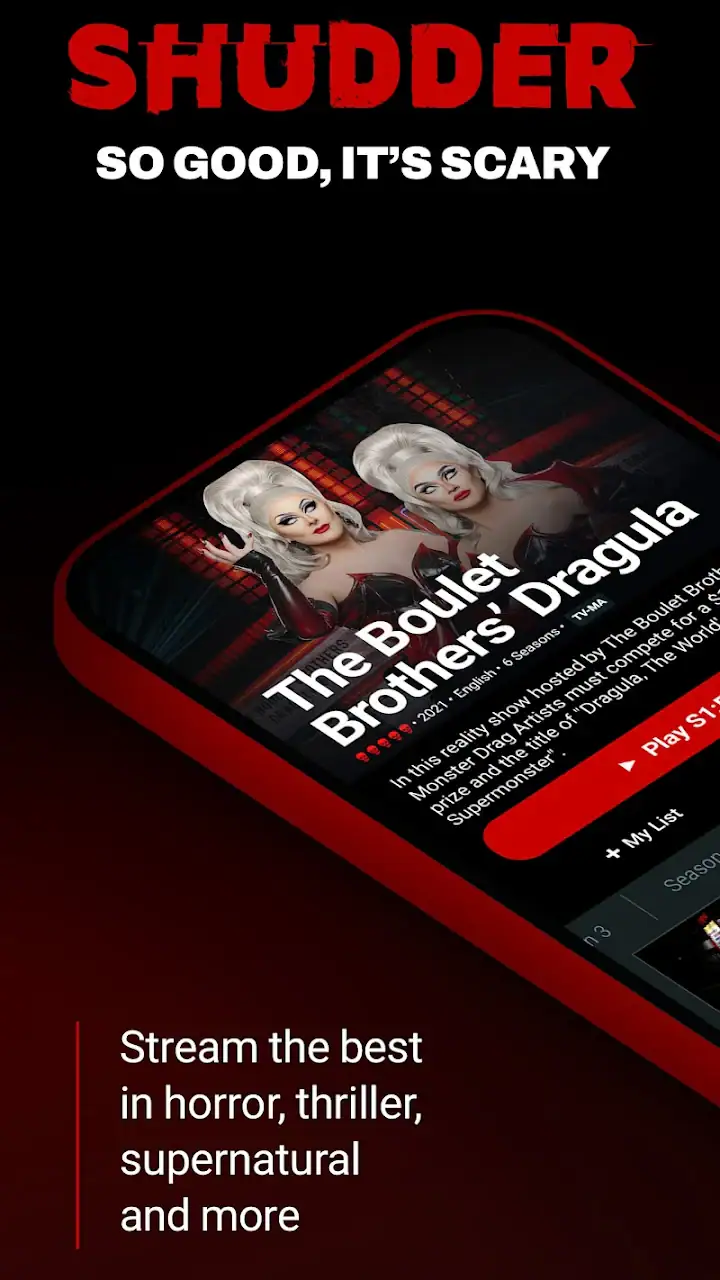
The Teen content rating matters in a practical way. I would not hand the app to younger children simply because the download is free. Horror and thriller material can vary greatly in intensity, and parents should make their own viewing decisions instead of assuming every title is suitable for the same audience. For a shared household, it is worth deciding in advance who will use the account and what kind of content is acceptable.
How I use it for a realistic movie night
A realistic use case is a Friday evening when three friends want a scary film but cannot agree on a familiar franchise. I would open Shudder, browse without searching for a specific title, and narrow the choice by mood rather than reputation. That removes one common problem with general services: everyone keeps proposing films they have already seen, while the browsing session becomes the main event.
For that situation, I find it helpful to decide the viewing rules before opening the app. Are we looking for slow tension, graphic horror, a thriller that can appeal to a mixed group, or something strange enough to create conversation afterward? A focused catalog is useful, but it does not remove decision fatigue entirely. Having a mood in mind makes the browsing experience quicker and helps prevent choosing a film simply because its artwork looks dramatic.
I also prefer using the app when I have time to watch immediately. Horror works best when I am not constantly interrupting the session to compare another service, check a rental price, or search for background information. The more specific my intention, the more the app’s narrow focus works in its favor.
Trust, controls, and the choices I would check first
When I evaluate an entertainment app, I do not judge trust only by its catalog. I also pay attention to the choices visible during sign-in, payment, and everyday use. With Shudder, the key question is not simply whether the service looks polished; it is whether I understand what I am agreeing to before using paid access. Since the app includes purchases, I would read each subscription or payment screen carefully and avoid tapping through quickly.
I would also review the account area after setup, especially any controls related to billing, renewal, and access. A good habit is to save the account email and payment details somewhere secure, then check the platform’s own account controls rather than relying on memory. This is particularly important for a service used only seasonally. Horror fans may subscribe for a month during a festival, Halloween period, or personal viewing challenge and then forget that the account remains active.
My main trust rule is simple: never treat a free installation as a free viewing commitment. The app costs nothing to download, but the presence of paid items means I would confirm the amount, timing, and cancellation path before authorizing anything. If I were setting it up for someone else, I would let them make the payment decision themselves instead of storing my details on a shared device.
Account sharing also deserves a little thought. A horror service can be used by several people in one home, but I would avoid passing account credentials around casually. Keeping access limited to the intended household makes it easier to recognize unfamiliar activity and harder to lose track of who changed an account setting. If a friend only wants to watch one film, I would not automatically give them permanent access to the account.
Data-sensitive moments during normal use
The most sensitive moments are usually not the few seconds spent browsing posters. They are the moments when the app asks me to create or connect an account, enter payment information, or make a purchase. I slow down there. I check that I am using the intended account, confirm the final amount, and make sure I understand whether I am starting a recurring arrangement or paying for a single item.
I also prefer not to use a shared device profile for personal entertainment accounts. A family tablet may be convenient, but it can expose account screens, recommendations, or payment prompts to other people who use the device. On my own phone, I keep the operating system protected with a screen lock and avoid leaving an account signed in on devices I no longer control.
Notifications are another small but meaningful consideration. I would keep only the alerts I actually want, because entertainment notifications can become distracting and may reveal viewing interests on a lock screen. If the operating system offers notification previews, I would choose a setting that keeps account or content details private when the phone is locked.
For privacy-minded viewers, the best approach is active review rather than assumptions. I would inspect the permissions shown by the operating system when installing or updating the app and grant only what makes sense for the task. I would not infer that a permission is harmless merely because the app is for movies, and I would not assume that denying an optional permission makes the service unsafe. The right choice depends on what the app visibly requests and how essential that permission is to the feature I want to use.
Keeping control of the account
User agency matters most when the service no longer fits my routine. If I stop watching horror regularly, I want a clear way to review my account and paid access rather than simply deleting the app and hoping that solves everything. Removing an app from a phone is not the same as closing an account or ending a payment arrangement, so I would handle those as separate tasks.
I would make a note of the account email used at registration and check the relevant store or account settings when managing purchases. That simple record prevents a common problem: trying to cancel through one account while the subscription or purchase is attached to another. It is also useful if more than one person in the household has access to different app-store profiles.
When I lend a device, I prefer signing out first. When I replace a phone, I review which devices still have access instead of assuming that transferring the app automatically removes the old one. These are ordinary precautions, but they give me more control than treating the app as a disposable download.
The same principle applies to recommendations and viewing habits. A specialist service becomes more useful as I interact with it, but personalization can also make the account feel more revealing. If someone else uses my profile, the resulting suggestions may no longer reflect my taste. I would keep profiles or account use separated where the available controls allow it, and I would avoid treating a shared profile as private.
Where it falls short compared with broader alternatives
Compared with a general streaming platform, Shudder’s advantage is focus. I spend less time wondering whether the service has any horror worth watching because the entire experience is built around that category. That is a real strength for enthusiasts, especially when the alternative is searching across several broad catalogs.
The disadvantage is breadth outside horror. A general service is better when the group changes its mind, when someone wants a comedy afterward, or when one subscription needs to satisfy several age groups. A rental store or pay-per-view option may also be better if I want one exact film and do not expect to watch enough horror to justify a specialist service.
Shudder’s 3.2 average rating shows why I would keep expectations measured. A rating alone cannot explain every complaint, but it does tell me not to assume the experience will be equally smooth for everyone. Device compatibility, account handling, catalog preferences, and payment expectations can all affect satisfaction. I would test the app on my own device and with my own viewing habits before making it part of a long-term entertainment budget.
The Android requirement is also worth checking before installation. The app supports Android 7.0 and newer, which covers many devices but not every older phone or tablet. If I were setting it up for a relative, I would confirm the operating system first and make sure the device has enough practical room for the app and normal streaming use. That quick check is easier than troubleshooting after a failed installation.
Practical habits that improve the experience
My first useful habit is to separate discovery from commitment. I browse the available choices before paying, identify several possibilities, and only then decide whether the service fits my taste. This prevents one appealing poster from turning into an impulse purchase. It also gives me a better sense of whether I will actually use the app beyond a single evening.
My second habit is to plan around viewing length and mood. A slow, atmospheric film may be a poor choice when friends want immediate scares, while a frantic thriller may not suit a quiet solo night. Because the service is specialized, I can make that decision inside one horror-oriented environment, but I still need to think about the people watching and the time available.
My third habit is to review paid access after a concentrated viewing period. If I install the app for a particular month of horror watching, I set a reminder to reassess afterward. I do not rely on deleting the icon, and I do not assume that inactivity ends payment. This is the most practical way I know to keep a free download from becoming an unnoticed expense.
A fourth habit is to keep the account personal when possible. I avoid entering payment details on a television or tablet that many people can access, and I use the safer account-management route available through the platform. That adds a little friction, but it makes billing and sign-in decisions easier to track.
My cautious verdict on Shudder
After looking at both the entertainment value and the account experience, I see Shudder as a purposeful app for a specific audience. It is not trying to be everything for everyone, and that is precisely why it can be appealing. When I want horror or thrillers without wandering through unrelated categories, the focused identity gives me a clearer starting point than a general streaming service.
Still, I would not recommend installing it blindly. The free price refers to the app itself, while paid items can range from $6.99 to $99.99, so I would inspect every purchase screen and keep track of account settings. I would also check the Teen rating before sharing the app with younger viewers, verify that the device runs Android 7.0 or newer, and review permissions and notifications through the operating system rather than making assumptions.
The service is best for someone who watches horror often enough to value a dedicated home for it. It is less convincing for a casual viewer, a household seeking broad entertainment, or anyone who wants one guaranteed mainstream title instead of a specialized browsing experience. In those cases, a general streaming platform or a one-off rental may be the more sensible choice.
My recommendation is cautious but positive for committed horror fans. I would try it with a clear viewing plan, keep payment and account controls in view, and reassess the value after the initial burst of watching. If the focused catalog matches your habits, the app can make horror discovery feel much more direct. If it does not, its narrow scope becomes a limitation quickly. That honest trade-off is the most important thing to understand before making it part of your entertainment routine.
FAQs for Shudder: Horror & Thrillers
What is Shudder: Horror & Thrillers?
Shudder is a subscription-based streaming service focused on horror, thriller, and suspense entertainment. Its catalog includes movies, television series, documentaries, original productions, and curated collections covering classic, independent, international, and contemporary horror. The service is designed for viewers who want a more specialized alternative to general-purpose streaming platforms, with content organized around different horror styles and themes.
Does Shudder require a subscription, and is there a free trial?
Shudder generally requires a paid membership to watch its full catalog, although availability, pricing, and trial offers can vary depending on your country, platform, and current promotions. Before downloading, check the subscription screen and the official store listing for the latest terms. Remember that trial or promotional subscriptions may automatically renew unless canceled according to the service’s instructions.
What kind of movies and shows are available on Shudder?
The app specializes in a broad range of horror and thriller content, including supernatural stories, slashers, psychological thrillers, creature features, folk horror, cult films, documentaries, and international productions. It also offers Shudder Originals and exclusive titles. The exact library changes over time and differs by region, so a movie available in one country may not appear in another.
Can I watch Shudder offline or on multiple devices?
Device support and offline viewing options may depend on the current Shudder app version, your subscription, and the country where your account is registered. The service is commonly used on mobile devices, web browsers, smart televisions, and supported streaming platforms, but compatibility should be checked before subscribing. If offline downloads are important to you, confirm that the feature is available for your device and plan.
Is Shudder suitable for children and family viewing?
Shudder is primarily intended for mature audiences and is not designed as a children’s streaming service. Much of its catalog contains frightening imagery, violence, disturbing themes, strong language, or adult situations. Parents and guardians should review individual titles, ratings, descriptions, and available account controls before allowing younger viewers to use the app. Content intensity can vary considerably from one production to another.
Pros
- Extensive catalog focused specifically on horror and thriller fans.
- Includes curated collections
- making lesser-known films easier to discover.
- Supports offline downloads for watching selected titles without internet access.
- Regularly adds new movies
- series
- and exclusive Shudder Originals.
- Offers live streaming channels for a more traditional TV-style experience.
Cons
- Content availability varies significantly by country and licensing agreements.
- Some titles may disappear unexpectedly when streaming rights expire.
- The app can feel slow when browsing large collections or loading artwork.
- Not every title includes subtitles
- dubs
- or extensive accessibility options.
- A separate subscription is required
- with limited value for occasional viewers.


